Backlink Anchor Text Analyzer
Analyze your backlink anchor text distribution with our free tool. Avoid over-optimization penalties and boost your SEO strategy today!
Last Updated on October 21, 2025 by Becky Halls
Boost Your SEO with Backlink Anchor Text Insights
When it comes to ranking higher on search engines, your backlink profile plays a massive role. But here’s the catch: not all links are created the same, and the text used to link to your site, known as anchor text, can make or break your strategy. Overusing the same phrase in your links might seem like a shortcut to better rankings, but it often backfires, flagging your site as manipulative to algorithms like Google’s. That’s where a smart analysis of your link text distribution comes in handy.
Why Analyze Your Links?
Diving into the variety of phrases linking to your pages helps uncover potential risks before they hurt your rankings. A balanced mix of branded terms, generic phrases, and targeted keywords signals authenticity to search engines. If one term dominates too heavily, you’re at risk of penalties that could tank your traffic overnight. Tools designed for this purpose simplify the process, giving you actionable data to refine your approach.
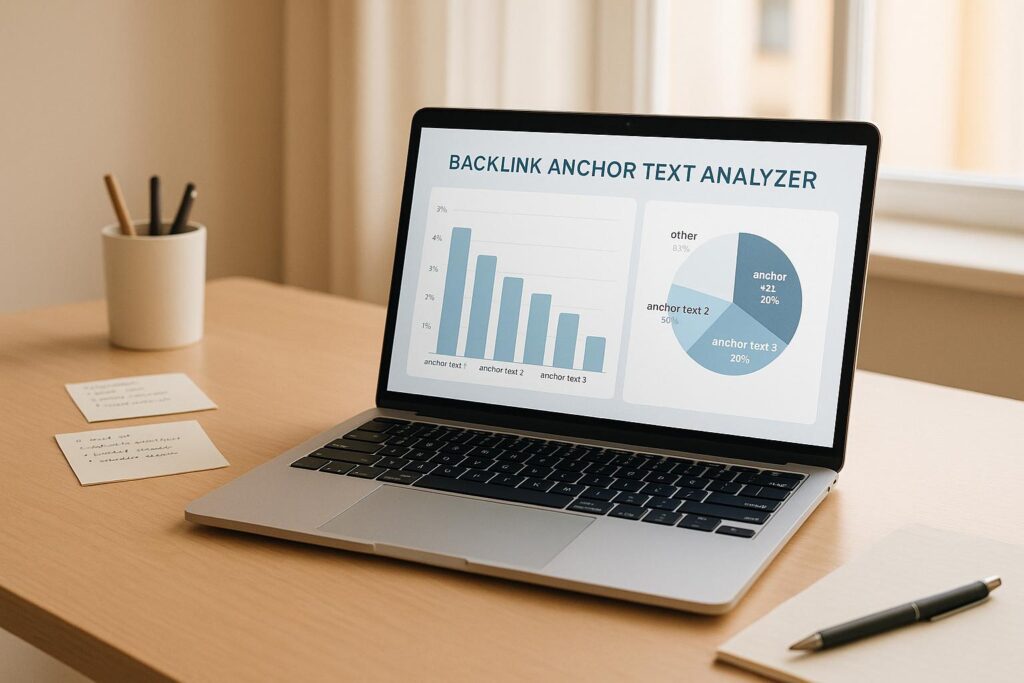
Group anchors into clear buckets to spot risk faster. Branded uses your company or site name. Exact match is the keyword only, and partial match adds modifiers. Generic like ‘click here’, naked URLs, and image links rely on alt text.
Take Control of Your Strategy
Don’t leave your site’s fate to guesswork. Regularly checking how your links are structured ensures you stay ahead of algorithm updates. With the right insights, you can pivot quickly, build stronger links, and keep your SEO game on point.
Want a quick cross-check? In Google Search Console, open Links, then Top linking text. Export the report to spot repeated exact matches, and remember data updates are delayed.

Backlink Anchor Text FAQs
Why does backlink anchor text diversity matter for SEO?
Great question! Search engines like Google look at your backlink profile to gauge authenticity. If too many links use the exact same anchor text, it can look unnatural or spammy, potentially leading to penalties. Diversifying your anchors—using branded, generic, and keyword variations—helps your site appear more organic and trustworthy. This tool gives you a clear snapshot to ensure you’re not overdoing it with any single phrase.
What should I do if an anchor text exceeds 30%?
If you see an anchor text taking up more than 30% of your backlinks, it’s a red flag for over-optimization. Start by reaching out to site owners to update some of those links with varied text, like your brand name or a generic phrase like ‘click here.’ You can also focus future link-building efforts on using different anchors to balance things out. The goal is a natural mix that doesn’t scream manipulation to search engines.
Do nofollow, sponsored, or UGC anchors matter?
Google treats rel=’nofollow’, rel=’sponsored’, and rel=’ugc’ as hints. These links usually do not pass PageRank, so weigh risk on followed links first. Since 2020, Google may use these as signals, but they are not shortcuts.
Can I upload large lists of backlink anchor texts?
Absolutely, we’ve got you covered. You can upload a plain text file with hundreds or even thousands of anchor texts, as long as it’s formatted with one anchor per line. If there’s an issue with the file—like a weird format or empty lines—we’ll let you know with a clear error message. For smaller lists, just paste them directly into the text area. It’s super easy either way!